
What is FlixFox APK and Why is it Dominating Streaming in India?
In an era where home entertainment has become increasingly fragmented across multiple expensive OTT platforms—such as Netflix, Amazon Prime Video, Disney+ Hotstar, JioCinema, SonyLIV, and Zee5—consumers are forced to pay thousands of rupees each month just to watch their favorite movies and weekly shows. FlixFox APK emerges as the definitive all-in-one entertainment solution for Android smartphones, tablets, Amazon Firesticks, and Android Smart TVs.
Rather than hosting media files on slow private servers, FlixFox utilizes advanced decentralized scraping algorithms that index high-speed content delivery networks (CDNs). When a user selects a title, the app queries dozens of optimized servers simultaneously and presents real-time, buffer-free playback streams ranging from crisp 720p HD all the way up to 4K Ultra HD with Dolby Digital audio.
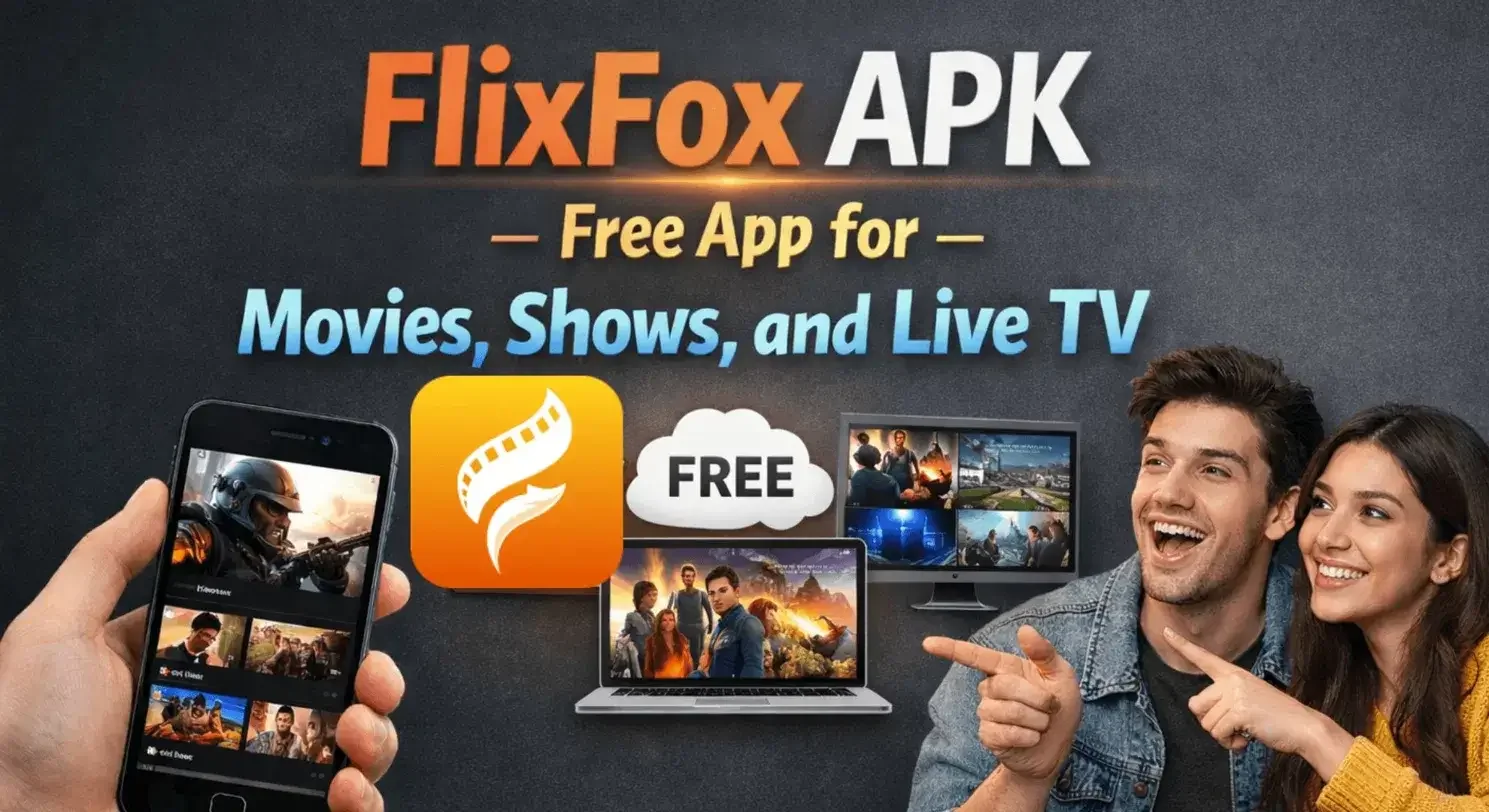
Figure 1: FlixFox APK clean user interface with multi-language filters
Comprehensive Entertainment Catalog in FlixFox APK
FlixFox is engineered specifically to cater to Indian audiences as well as global cinema fans. Its media database is updated around the clock with theatrical releases, digital web premieres, and live broadcasts:
1. Bollywood Blockbusters & Hindi Cinema
From the latest theatrical releases to timeless classics of the 90s and 2000s, FlixFox features an exhaustive collection of Bollywood cinema. High-definition prints are indexed promptly following digital OTT premieres, accompanied by complete cast info, IMDb ratings, and trailers.
2. South Indian Hindi-Dubbed Cinema
South Indian cinema—encompassing Tollywood (Telugu), Kollywood (Tamil), Mollywood (Malayalam), and Sandalwood (Kannada)—has seen astronomical popularity across North India. FlixFox houses an unmatched collection of South Indian action blockbusters, complete with professional Hindi voice dubbing and dual-audio language toggles.
3. Complete Seasons of Global & Indian Web Series
Binge-watchers can enjoy full seasons of critically acclaimed series from HBO, Netflix, Amazon Prime, and Indian digital platforms. Episodes feature automatic next-episode countdowns, resume playback memory, and episode-by-episode subtitle selection.
4. Live Sports & Cricket Streaming
Sports fans can tune into live cricket tournaments, including the Indian Premier League (IPL), ICC Cricket World Cups, Asia Cup, bilateral international series, as well as English Premier League and UEFA Champions League football matches through dedicated sports mirrors with zero latency.
Top Features of FlixFox APK v2.9.2 (2026 Edition)
🎬 Massive Content Library
Explore over 50,000+ on-demand movies, complete seasons of web series, and regional releases updated daily.
⚡ High-Speed CDN Servers
Multiple streaming links for every title ensure smooth playback with zero buffering even on 4G cellular data.
🌐 Dual Audio & Subtitles
Dedicated audio tracks for Hindi, Tamil, Telugu, and English, paired with synchronized OpenSubtitles integration.
📺 Firestick & TV Remote Ready
Optimized D-pad remote navigation for Amazon Fire TV Stick, Nvidia Shield, and all Android Smart TV sets.
⬇ Offline Download Mode
Download your favorite episodes and movies directly to your device storage to watch while traveling without internet.
🛡️ Ad-Free Clean Player
Enjoy uninterrupted video streaming with an integrated video player featuring hardware-accelerated decoding.
📡 Google Cast & DLNA
Wirelessly cast any video directly from your Android smartphone to your big-screen Smart TV with a single tap.
⚙️ Custom Player Engines
Switch seamlessly between internal ExoPlayer, VLC engine, or your preferred external player like MX Player Pro.
FlixFox APK vs Paid OTT Platforms & Other Streaming Apps
| Feature | FlixFox APK | Netflix | Disney+ Hotstar | Pikashow / Castle |
|---|---|---|---|---|
| Monthly Cost | 100% Free Forever | ₹199 - ₹649 | ₹299 - ₹499 | Free (Ad Cluttered) |
| Account Registration | None Required | Mandatory Sign-Up | Mandatory Sign-Up | Often Requires Login |
| 4K Ultra HD Support | Included Free | Premium Tier Only | Premium Tier Only | Limited 720p |
| Firestick TV Support | Full D-Pad Remote Ready | Supported | Supported | Buggy Cursor Needed |
| Dual Audio Tracks | Hindi, South, English | Selected Titles Only | Selected Titles Only | Single Track Only |
| Intrusive Popups | Zero Player Ads | None | Ads on Basic Plans | Aggressive Popups |
Detailed Step-by-Step Installation Guides
Method 1: Installing on Android Smartphones & Tablets
Download the Verified APK
Click the Download FlixFox APK button above to save the FlixFox-v2.9.2.apk file to your device storage.
Enable Unknown Sources
Navigate to Android Settings > Apps & Notifications > Special App Access > Install Unknown Apps. Select your browser (Chrome) and toggle Allow from this source to ON.
Open the APK Installer
Pull down your notification panel or launch the Files / Downloads app, then tap on the FlixFox-v2.9.2.apk file.
Complete Installation & Launch
Tap Install. Once completed, tap Open to launch FlixFox, pick your favorite genres, and begin streaming immediately!
Method 2: Installing on Amazon Firestick & Fire TV
Because FlixFox is an independent community application, it is sideloaded onto Firestick using the official Downloader app from the Amazon Appstore:
- Turn on your Amazon Firestick and search for the free Downloader app in the Amazon Appstore, then install it.
- Go to Firestick Settings > My Fire TV > Developer Options. (If Developer Options is hidden, go to Settings > My Fire TV > About and click on Fire TV Stick 7 times rapidly).
- Click Install Unknown Apps and toggle Downloader to ON.
- Launch Downloader, enter
https://flixfoxapk.org.in/download/into the URL bar, and click Go. - Click Download APK, then click Install when prompted. FlixFox will now appear in your Firestick apps list!
Method 3: Installing on Windows PC or Mac
You can enjoy FlixFox on desktop computers and laptops with full mouse and keyboard controls:
- Download and install a high-performance Android emulator such as BlueStacks 5, NoxPlayer, or LDPlayer.
- Download the
FlixFox-v2.9.2.apkfile from our website onto your PC. - Drag and drop the APK file directly into the BlueStacks emulator window, or click the "Install APK" sidebar shortcut.
- Within seconds, the FlixFox icon will appear on your emulator desktop. Launch the app and stream on your monitor!
Troubleshooting Common FlixFox APK Errors & Fixes
1. How to Fix "App Not Installed" Error
If Android prevents installation with an "App Not Installed" message, ensure you have at least 150 MB of free internal storage. Secondly, if you have an older or modified build of FlixFox installed, uninstall it first before installing the clean v2.9.2 package. Lastly, temporarily disable Google Play Protect scanning if it misinterprets third-party APK signatures.
2. How to Resolve Video Buffering & Server Timeouts
Buffering is almost always caused by a crowded server node. Inside the player, click the Servers button in the bottom corner and pick an alternate CDN stream (Server 2 or Server 3). You can also go to app settings and switch the decoder from Software to Hardware Acceleration (HW+) for smoother rendering.
3. How to Fix Subtitles Out of Sync
If English or Hindi subtitles are slightly ahead or behind the spoken dialogue, tap the Subtitles (CC) button on the video player and use the Subtitle Delay slider (+0.5s / -0.5s) to perfectly synchronize the timing.
Frequently Asked Questions (FAQ)
What is FlixFox APK and is it really free?
FlixFox APK is an Android-based media streaming application designed to offer movies, television web series, live sports, and documentaries without charging any subscription fees. Unlike conventional OTT platforms that require credit cards and recurring payments, FlixFox utilizes high-speed distributed CDN mirrors to stream content in 720p, 1080p, and 4K resolution freely.
Does FlixFox support Hindi, Tamil, and Telugu dual-audio?
Yes! FlixFox includes dedicated language filters for Bollywood cinema, South Indian regional languages (Tamil, Telugu, Malayalam, Kannada), and Hollywood movies dubbed in Hindi. You can switch audio tracks on the fly inside the built-in media player.
Can I install FlixFox APK on Amazon Firestick and Smart TV?
Yes. FlixFox APK is 100% compatible with Amazon Fire TV Stick (Lite, 4K, 4K Max), Fire TV Cube, Android TV boxes (Mi Box, Nvidia Shield), and Android Smart TVs. Its user interface is natively designed to respond to standard TV remote D-Pad controls.
Is FlixFox APK safe to download and install on my phone?
Yes. The official installation file provided on flixfoxapk.org.in is scanned through 68+ antivirus engines via VirusTotal with 0 threats detected. It requires no dangerous Android permissions like access to contacts, cameras, SMS, or storage outside of media downloads.
How can I fix video buffering or stream timeout in FlixFox?
FlixFox indexes multiple high-speed CDN server links for every single title. If one stream buffers due to peak internet traffic, simply tap the server list icon and switch to an alternate CDN server (marked with green lightning indicators). You can also change the player decoder to ExoPlayer in settings for smoother hardware decoding.
Can I download movies to watch offline without Wi-Fi?
Yes. FlixFox has a built-in download manager that allows you to save complete episodes and movies directly to your device storage or SD card. You can watch downloaded files anytime without internet connectivity.
Why does Android show a 'File might be harmful' warning during download?
This is a standard default notification generated by Google Chrome and Android whenever downloading any application (.apk file) from outside the Google Play Store. It is simply an informational security reminder. The file on flixfoxapk.org.in is 100% clean and virus-free.
Do I need to root my Android phone or jailbreak my Firestick?
No! FlixFox operates entirely within standard user permissions. You do not need to root your phone, unlock bootloaders, or jailbreak your Firestick.
How do I update FlixFox APK to the latest version?
Whenever a new version of FlixFox APK is released, simply download the latest .apk file from flixfoxapk.org.in and install it directly over your existing installation. Your favorites, watch history, and settings will remain preserved.
Can I cast movies from my phone to Chromecast or Smart TV?
Yes. The internal video player in FlixFox features a dedicated Cast icon in the top right corner. Ensure your phone and TV are connected to the same Wi-Fi network, and you can stream content to Google Chromecast or DLNA devices.